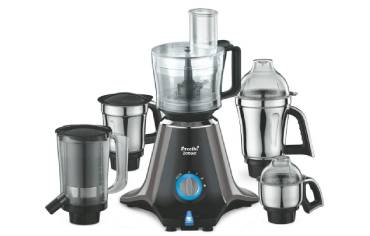
Thinking about a mixer grinder with Bluetooth and app control? You’ll get remote start/stop, preset programs, runtime and motor‑load alerts, and safety locks that can make daily tasks easier and safer. But there are tradeoffs—higher cost, connectivity issues, privacy concerns, and potential repair hassles—so weighing convenience against those downsides matters. Keep going to see whether it actually fits your kitchen and habits.
Key Takeaways
- Bluetooth/app control offers remote start/stop, speed presets, and runtime alerts for safer, hands-off operation.
- Smart features add convenience like scheduled grinding, saved grind profiles, and consistent textures.
- Expect higher purchase cost, possible subscription, connectivity issues, and more expensive repairs.
- Consider privacy, firmware update frequency, and spare-part availability before choosing a smart model.
- Choose smart models if remote control, accessibility, and automation significantly improve your daily routine.
What App Control and Bluetooth Actually Let You Do With a Mixer Grinder
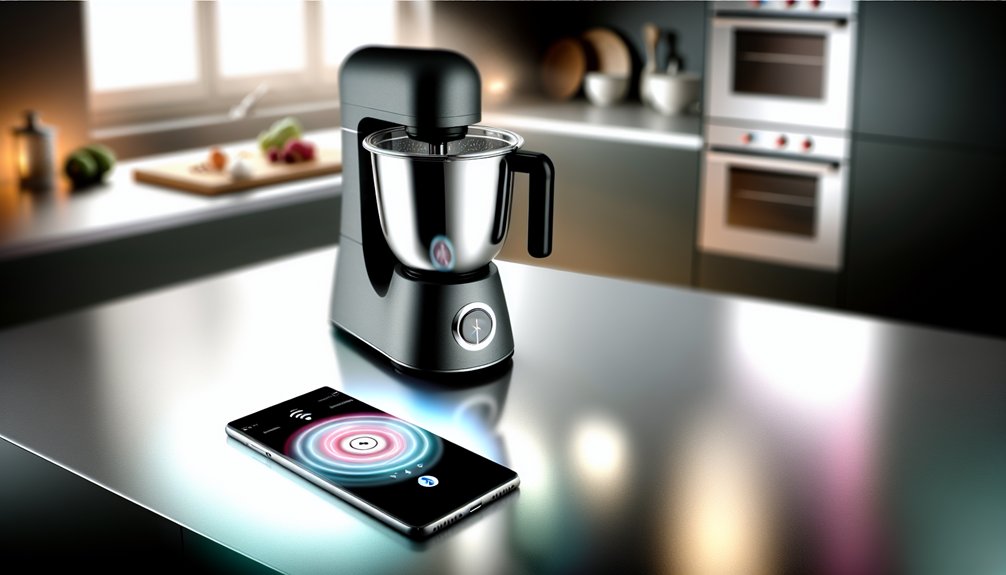
Wondering what Bluetooth and an app actually buy you in a mixer grinder? You get remote start/stop and speed selection, so you can control operation without touching hot or wet components—helpful if your hands are occupied or you’re keeping children away. Apps often show run-time, motor load warnings, and service alerts; that helps you avoid overloads and schedule maintenance before faults occur. Some let you lock controls or set safety timers to prevent overheating and accidental starts. Geo- or proximity-lock features can prevent unintended operation when you’re away. Evaluate whether these features truly reduce risk versus added complexity and network exposure. If safety and predictable monitoring matter, app integration can offer measurable safeguards; if not, it’s optional. Consider also how app-based monitoring can help you prevent motor overheating by alerting you to high load or extended run-times.
Practical Benefits That Change Everyday Cooking
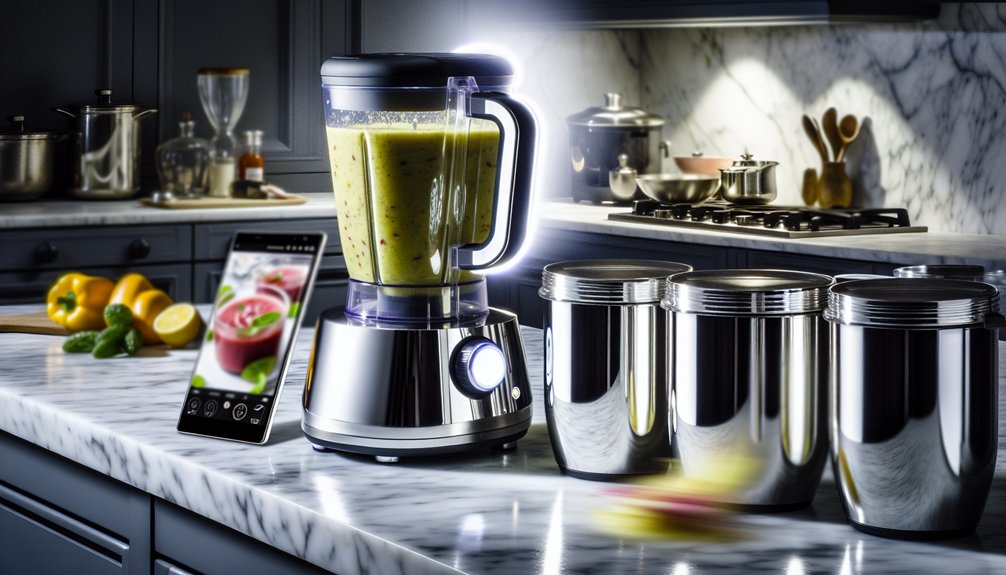
How will Bluetooth and app control actually make your daily cooking easier? You’ll get predictable, hands-off routines: start pre-set modes from your phone, monitor run time remotely, and receive safe alerts if jars overheat or lids aren’t locked. That reduces guesswork and prevents accidents.
- Consistent textures: save and recall grind profiles for repeatable chutneys and batters.
- Time savings: schedule grinding so ingredients are ready when you are.
- Safety reminders: app warnings about lid position, motor temperature, and maintenance checks.
- Accessibility: control functions from another room if you’re multitasking or have mobility limits.
These features streamline prep, help avoid mistakes, and keep safety visible. You still decide when and how to use them. For safe use around children, follow simple setup and storage practices like keeping accessories stored out of reach and inspecting parts regularly.
Downsides and Hidden Costs of Smart Connectivity
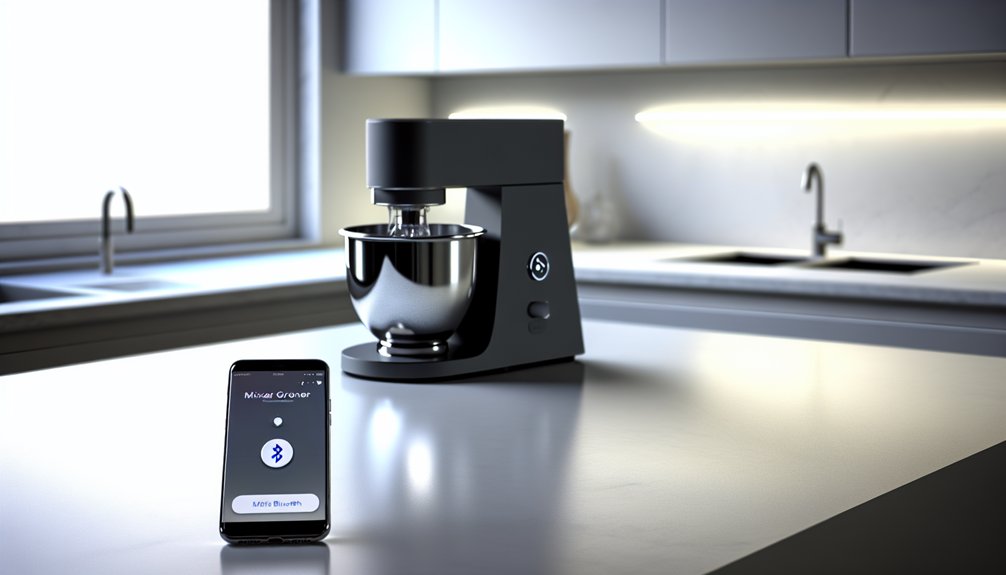
Those conveniences sound great, but smart features add trade-offs you should weigh. You’ll face higher purchase prices and possible subscription fees for advanced app functions, so factor lifetime costs into your choice. Connectivity can introduce reliability issues: Bluetooth drops, app bugs, or firmware updates might interrupt basic use when you need the appliance most. There’s also a security angle—weak apps or outdated firmware can expose device data or let attackers interfere, so you’ll need to keep software current and follow safety guidance. Repairs and parts for smart models often cost more, and warranty terms can be stricter. If you prefer predictable, low-risk appliances, these hidden costs and maintenance burdens matter for both safety and peace of mind. Consider your typical kitchen tasks and choose wattage accordingly, since a 750W option often balances power, efficiency, and safety for many households.
Who Should Consider a Smart Mixer Grinder and Who Should Not
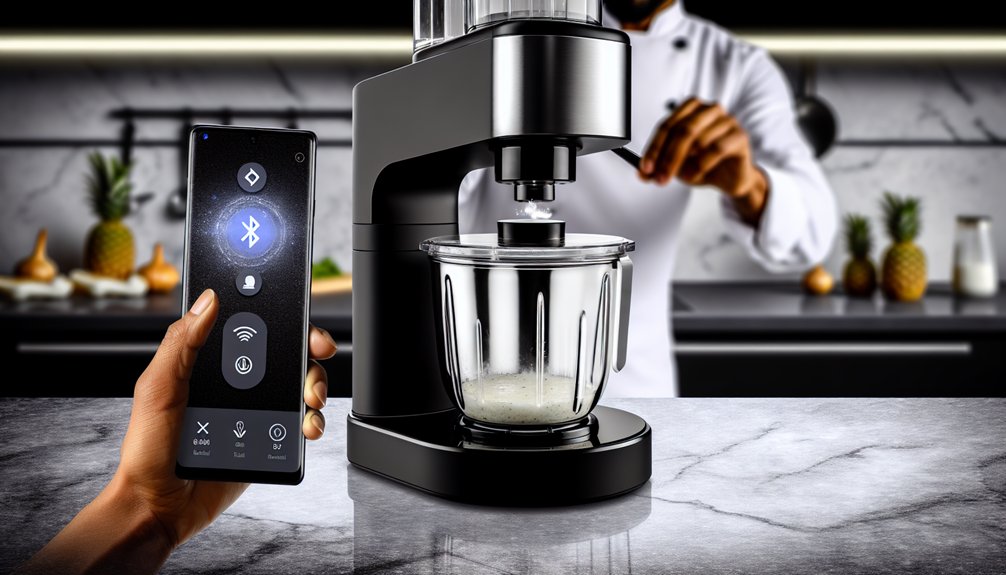
Who should buy a smart mixer grinder, and who should skip it? You should consider one if you value convenience, have a reliable Wi‑Fi setup, and want timed, app-driven recipes or remote control for safety (e.g., turning it off if you forget). You should skip it if you prefer simple, durable appliances, lack trust in connected devices, or are uncomfortable with potential maintenance.
- You want automated presets and hands‑free operation for safer cooking.
- You live alone or have mobility limits and need remote control.
- You prioritize long-lasting, repairable hardware over software features.
- You worry about connectivity, software updates, or added failure points.
Decide based on real needs, not gadget appeal. A smart grinder can still be limited by capacity and power compared with conventional high-torque mixer grinders, so match features to the types and batch sizes you usually prepare.
How to Decide: Value, Privacy, and Long-Term Support
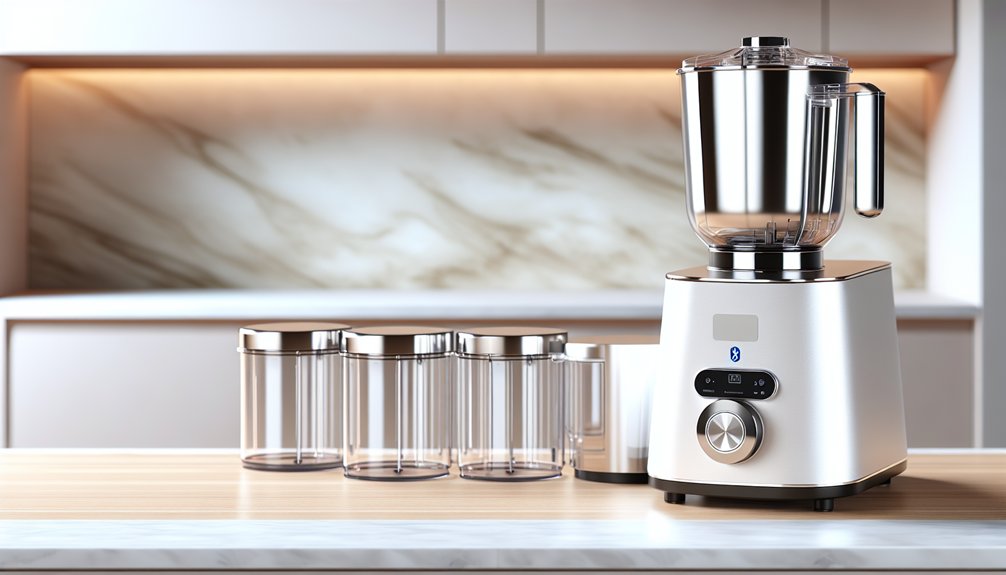
If you’re weighing the decision, shift focus from features to practical trade‑offs: ask what value the smart functions will actually add to your daily routine, what data the app will collect and share, and whether the maker will support the product for years. Count how often you’ll use remote control, preset recipes, or diagnostics—if rarely, stick with a plain model. Check the privacy policy: look for minimal data collection, clear retention limits, and no undisclosed sharing with third parties. Confirm firmware updates and spare-part availability; a linked device without updates can become insecure or unusable. Prioritize brands with transparent support commitments and replaceable parts. Buy only when the convenience clearly outweighs privacy and longevity risks. Consider also the device’s motor warranty and build durability as indicators of long-term reliability.
Frequently Asked Questions
Can Multiple Users Control the Mixer via the App Simultaneously?
Yes — multiple users can usually control it, but check the app’s sharing/permissions. You’ll want owner-only safety locks, user roles, and activity logs to prevent accidental starts or overrides, keeping operation secure and predictable for everyone.
Does the App Offer Voice Assistant (Alexa/Google) Integration?
Yes — the app supports Alexa and Google Assistant integration, so you can use voice commands for basic functions. You’ll want to confirm specific skill setup, required permissions, and safety prompts to prevent accidental or unsafe operation.
What Warranty Coverage Changes With Bluetooth Features?
Bluetooth features usually don’t change core mechanical warranty, but they may add limited coverage for software, connectivity, or app updates; you’ll want to confirm extent, exclusions, and liability for data loss or unauthorized access before buying.
Can Firmware Updates Be Reverted if They Cause Issues?
Yes — you can often revert firmware updates, but you shouldn’t assume it’s safe or available. Check the manufacturer’s rollback policy, backup settings first, and contact support; proceed cautiously to avoid voiding warranty or bricking the unit.
Is There a Local-Only Mode That Disables Cloud Connectivity?
Yes — many models offer a local-only mode that disables cloud connectivity, letting you control the appliance via Bluetooth or onboard buttons; you’ll want to verify firmware options and privacy settings to ensure safe, offline operation.